
28 January 2025 · updated 24 September 2026
Mobile internet, on an ordinary day
A connection can be “on” and still be the wrong tool for the next ten minutes. This note is about matching the task to the line you have.
Connected is not the same as usable
The phone can show a network name, a generation such as 4G, and a stack of bars, and still stumble over a map tile or a photo. Usable means the thing you are trying to do finishes in a time you can live with. A messaging app that delivers a sentence is a success even when a video call is not. Judging the whole line by the heaviest task produces a lot of needless frustration.
Background activity matters. Cloud photo backup, app updates, and a second social app refreshing in your pocket all spend the same allowance as the map you think you are using. Before you blame the street, glance at whether a large transfer is already running. The data note shows where that counter usually lives.
One afternoon, as a way to think
Imagine a day that starts in a Casablanca apartment, moves to a tram or a taxi, and ends in a café. At home, the phone may prefer Wi-Fi without telling you in a way you notice. On the street, it is on mobile data. In the café, it may grab a public hotspot if you once agreed to join it. The icon at the top of the screen is the fact. The story you tell yourself about “the mobile network” may be a story about three different connections. The Wi-Fi note is the companion for that confusion.
A message to say you have left the house is light. A navigation app that redraws as you move is heavier, and it is heavier still if the satellite view is on. A video call to a parent is a different project again: picture, sound, and both directions at once. If the day is tight, send the message first, download the route while you still have a calm connection, and leave the video for a room where you have already seen a call succeed.
One afternoon, with the places named
Start in a flat in Maârif. The laptop is on the home router. The phone may have joined that Wi-Fi without a fresh decision this morning. A page that loads here says almost nothing about the mobile network. Glance at the status icon before you form a theory. The Wi-Fi note is the longer separation of router, hotspot, and cellular.
On the tram toward Casa-Port the phone is off Wi-Fi, unless it has clung to a network from the station. Maps that redraw with every stop are a steady drip, and satellite view makes the drip a pour. A one-line message to say which stop you are getting off is a different order of cost. If the afternoon is tight, send the sentence while you still have a calm connection, and download the area of the map you will need. Navigation apps differ in where that download lives; look for “offline” inside the app rather than assuming the city is stored because you opened it once.
In a café in Gauthier the phone may attach to a public hotspot you accepted months ago. The icon changes. The mental label “my mobile line” does not. Confirm the name with the staff if you meant to use their network, and forget it when you leave so next Tuesday’s phone does not rejoin a box you no longer trust. Banking and medical accounts can wait for your own mobile data. That is a habit. It is not a claim that any particular café, or any particular operator, is safe in every case.
What each task is asking for
These are orders of magnitude for planning a day, not a meter reading from a Moroccan cell. Your app’s quality setting moves the numbers. The counter on the phone, described in the data note, is the figure that belongs to your line.
- A text or an email with no attachment. Negligible next to everything else. If this fails, the problem is usually the path, not the allowance.
- A short voice note. Small. A relative who will not type can still receive one of these when a video call is a bad idea.
- Maps while you move, music at a lower bitrate, a few photos one at a time. Noticeable across an afternoon, rarely the thing that ends a monthly bundle on its own.
- A video call. Picture and sound, both directions. An hour dominates an evening. Drop the quality in the app if it offers the switch, and keep a voice call as the agreed fallback.
- Cloud photo backup, app updates, a film on a laptop through the phone’s hotspot. This is where allowances go while the owner thinks they “only sent a message.” Point backups at Wi-Fi. Switch the hotspot off when the mail is sent.
Border areas and a phone that has not attached
Near Ceuta, Melilla, or along the frontier, a handset can sit on a Spanish or other foreign network while you are still on the Moroccan side, or the reverse. The network name in the status bar is the fact. A foreign name means you may be roaming, with whatever roaming rule your subscription has, even though the town looks local. Toggle airplane mode and watch which name returns. If you did not intend to roam, prefer the Moroccan operator’s name before you stream anything. The same surprise happens after a flight: the phone shows a network from the country you left until it completes a fresh attach. Airplane mode for ten seconds is the first fix, not a new SIM.
Indoor rooms and thick walls
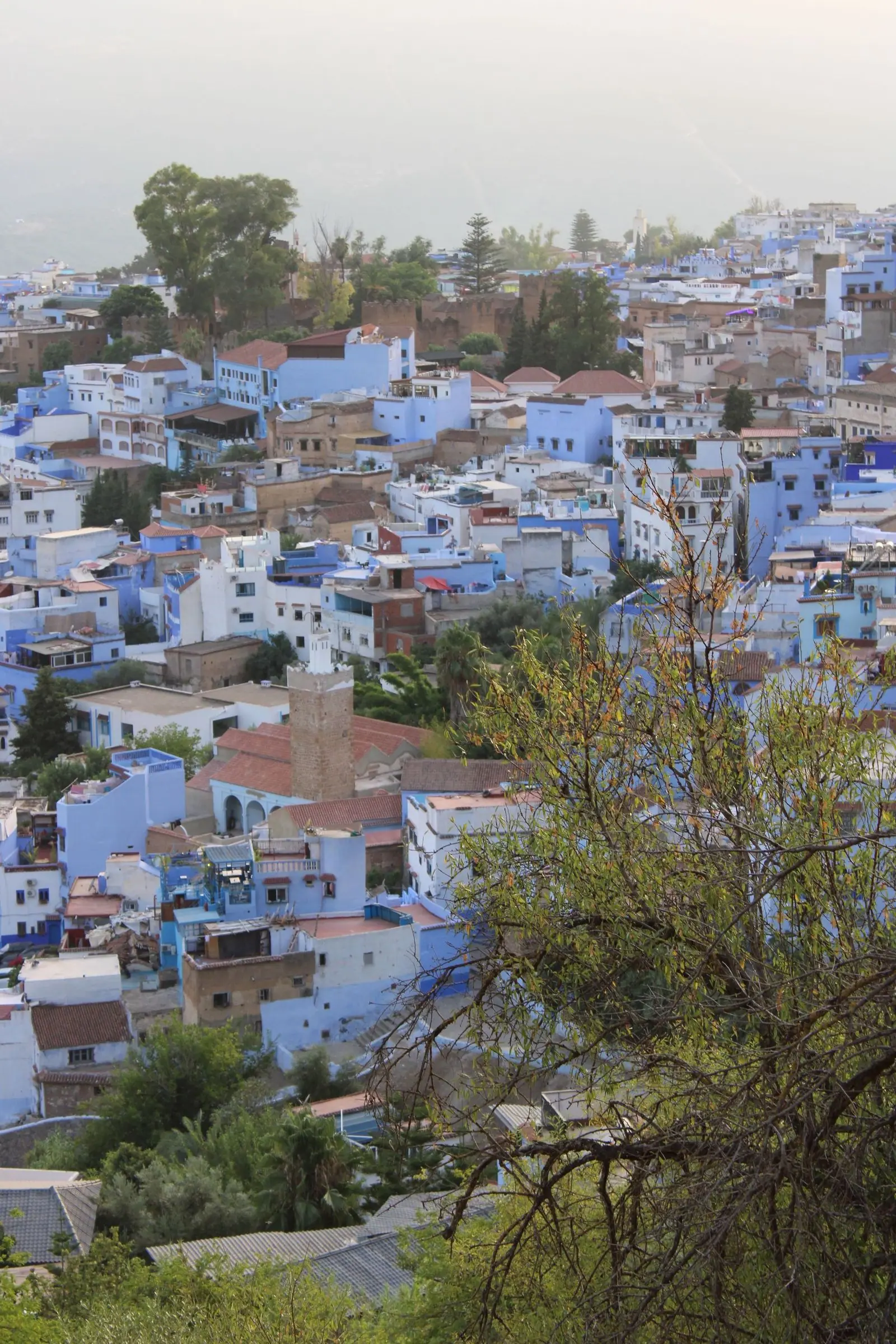
Radio that is fine on a balcony can fade in a stairwell or a room faced with stone. Chefchaouen’s painted alleys and the medinas of older cities are lovely places to get lost and awkward places for an indoor signal. Walk to a window or a courtyard before you decide the subscription is at fault. If the same phone works in the street and fails in one room, you have learned something useful about the room.
Sharing with a laptop
A personal hotspot turns the phone into a small router. It spends the phone’s allowance and its battery. It is a fair tool for an hour of mail. It is a costly tool for a day of video. Turn it off when the laptop can wait.
When the page spins
Switch airplane mode on for ten seconds, then off. It forces a fresh attach. If only one app fails, that app or its server may be the story: try a second app before you blame the street. If every data app fails and a voice call still connects, look at mobile data being off, a spent allowance, or a saved Wi-Fi that is associated but not passing traffic. An access-point name (APN) is something the operator’s shop can reset from their own instructions. Do not paste an APN from a forum post into the phone.
What we will not rank
This page will not tell you which operator is the right one. Streets differ, and offers change. Test the place you care about, and read the current terms from the company that would bill you.
A note to write on the day it fails
Memory flattens a bad hour into “the network is useless here.” A few lines, taken once, are more useful than a second anecdote.
- Time, and whether you were indoors.
- The network name on the phone, copied as shown, including a foreign name if that is what appeared.
- Wi-Fi or mobile data.
- Whether a voice call connected.
- Whether a second app failed in the same minute.
- Whether the pavement differed from the room.
Take that list to the operator that bills you if the pattern repeats. They can see the account. This page cannot, and it will not name a winning operator for your street. Streets differ inside the same arrondissement, and offers change.
Related reading: where data goes, calls and messages, full index.